What is Image Mapping?

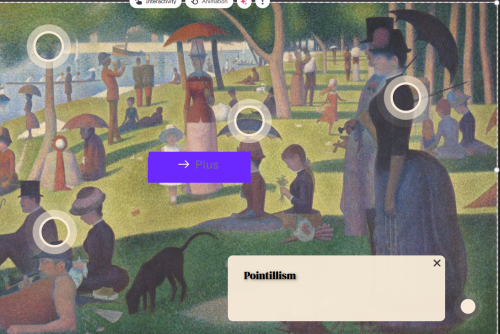
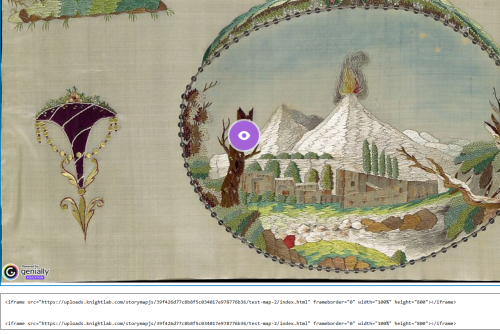
Image Mapping (or annotating an image) involves adding hotspots (or clickable sections) to an image that provide information about or a close up of that section of the image. Mapping an image makes the process of learning more interactive and keeps the information about a certain section of the image near that specific section. The university supports use of Genially to map images. 

What is Genially?

Genially is a software with a free option that allows users to add hotspots to an image that when clicked will appear as a popup window that can include text, audio, images and links to add context to the image. Images mapped through Genially can be embedded into a WordPress website. 

Instructions

Sign Up 
  1. Go to Genially.com 
  2. Click the "Sign Up" button on the upper right corner
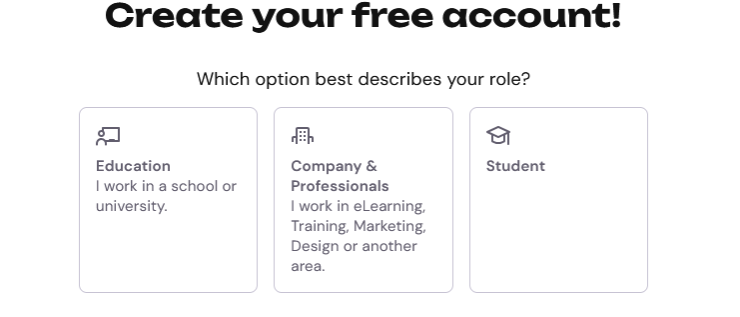
  3. Click on "Student" or "Education" depending on your role  
  4. Add date of birth 
  5. Sign in with email address
How to Map An Image 

The Genially post "How to create interactive images in Genially" provides step by step instructions on how map an image. 

embed in A WordPress Website 
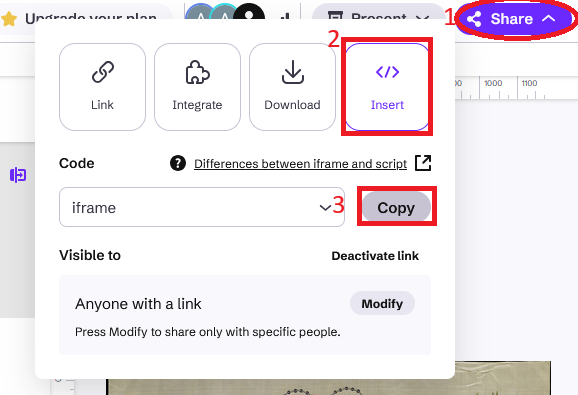
  1. Click on the purple "Share" button in the upper right corner 
  2. Click on the "Insert" button 
  3. Click on the "Copy" button             
  4. Sign into WordPress 
  5. Navigate to the page you want to add your image 
  6. Click on the blue plus in the upper left hand corner
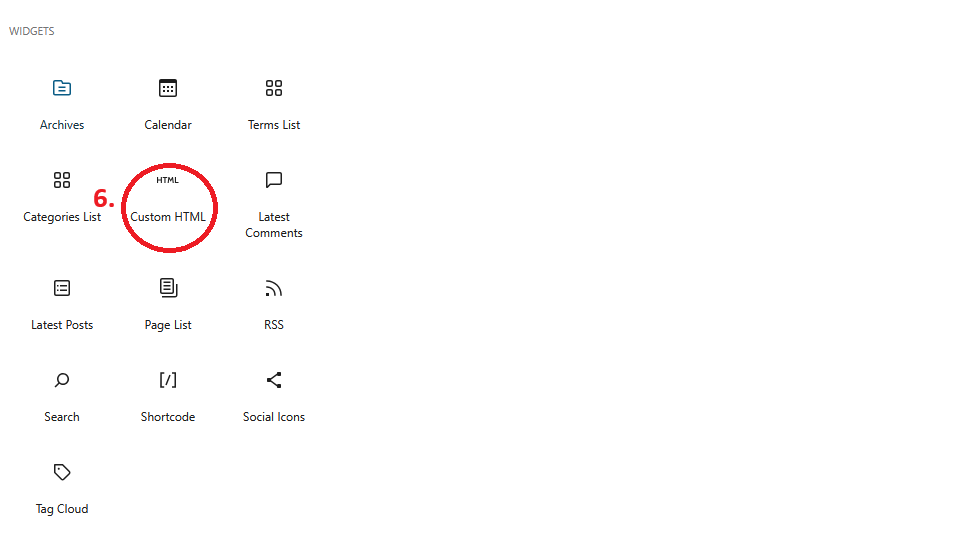
  7. Scroll down until you see "Custom HTML" and select it
  8. Past the code you copied into the text box that says "Write HTML"
  9. Click "Save"